
I created a modern Matrix screensaver from scratch
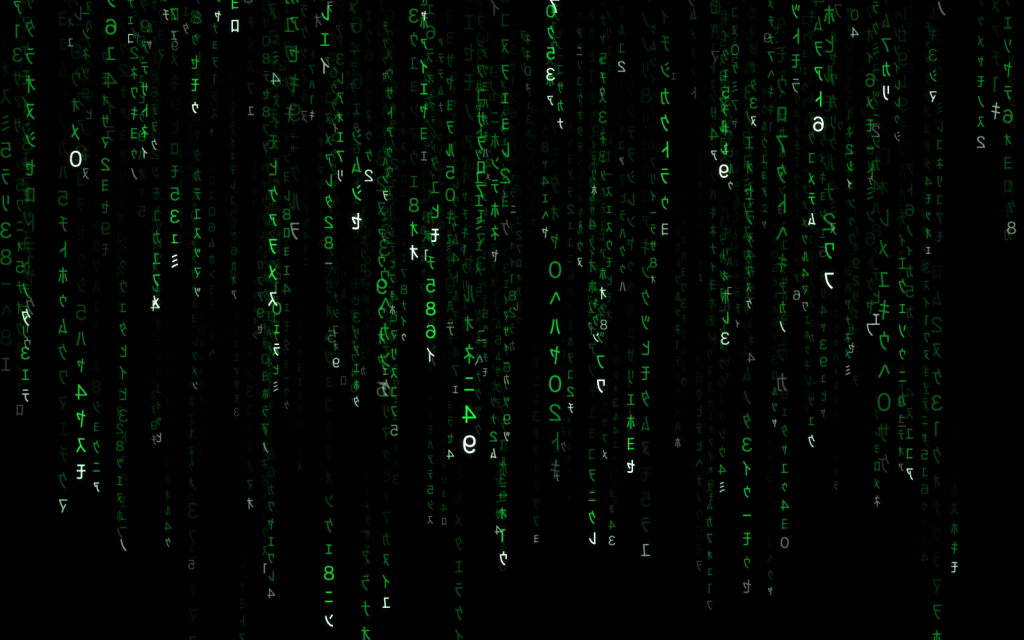
There is a screensaver I have had a soft spot for since forever: GLMatrix, the 3D “digital rain” from the XScreenSaver collection. Green katakana tumbling toward you in proper perspective, with that hazy depth where the far characters fade off into the dark. I have run it on basically every machine I have owned.
The trouble is that GLMatrix is old. It is an x86 binary, so on my Apple Silicon Mac it runs under Rosetta, tucked inside Apple’s sandboxed screensaver host. On a single display it copes. But I run two, and on two displays it completely lost the plot: the rain would get boxed into one rectangle smeared across both screens, and memory use crept up the longer it stayed on. For something that is meant to sit there looking cool while you are away from your desk, it had turned into a bit of a liability.
I could have shrugged and picked a different screensaver (most are super old). Instead I rebuilt it, and called it Modern Matrix.
Native, from the ground up
The Mac version is written from scratch in Swift and Metal. No Rosetta, no x86, none of the odd host behaviour. It draws the rain as thousands of little camera-facing billboards, one per glyph, with a bright leader at the head of each column and a fading trail behind it. The characters are generated at runtime with Core Text and mirrored, the way they are in the film, so they stay sharp at any resolution.
While I was in there I added a few things the original never had. There is a bloom pass, so the leading glyphs actually glow. It renders in HDR, so on a capable display those bright heads pop instead of clipping to flat white. And it runs at your display’s full refresh rate, so on a 120Hz panel it is genuinely smooth.
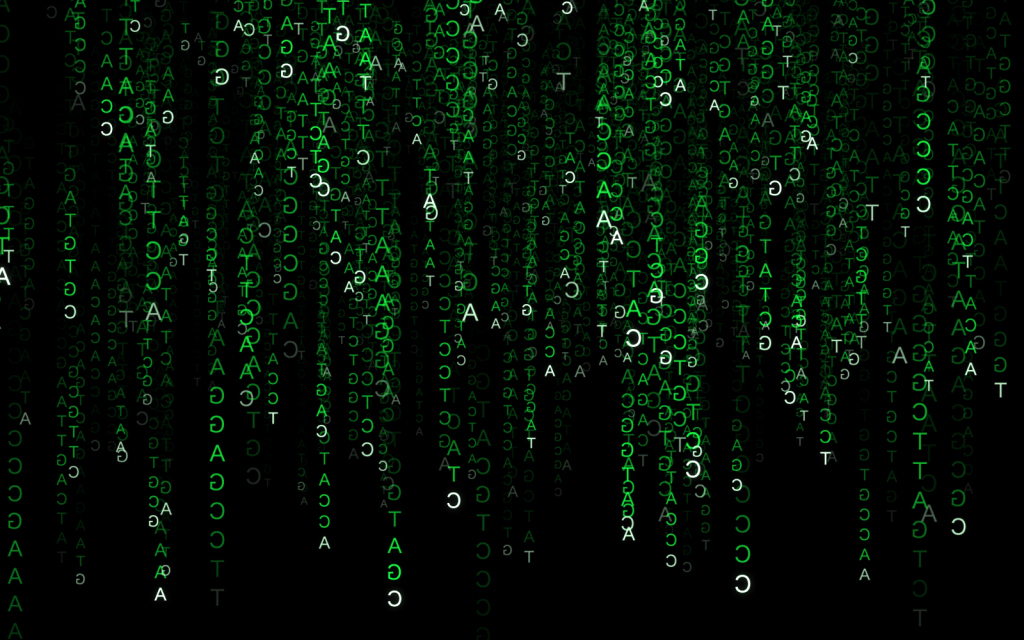
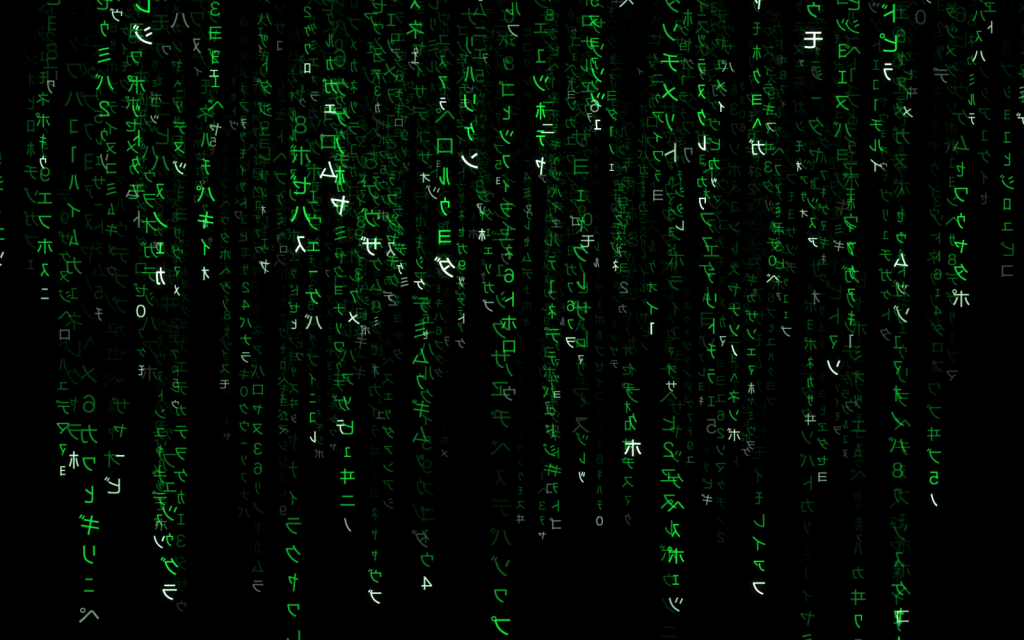
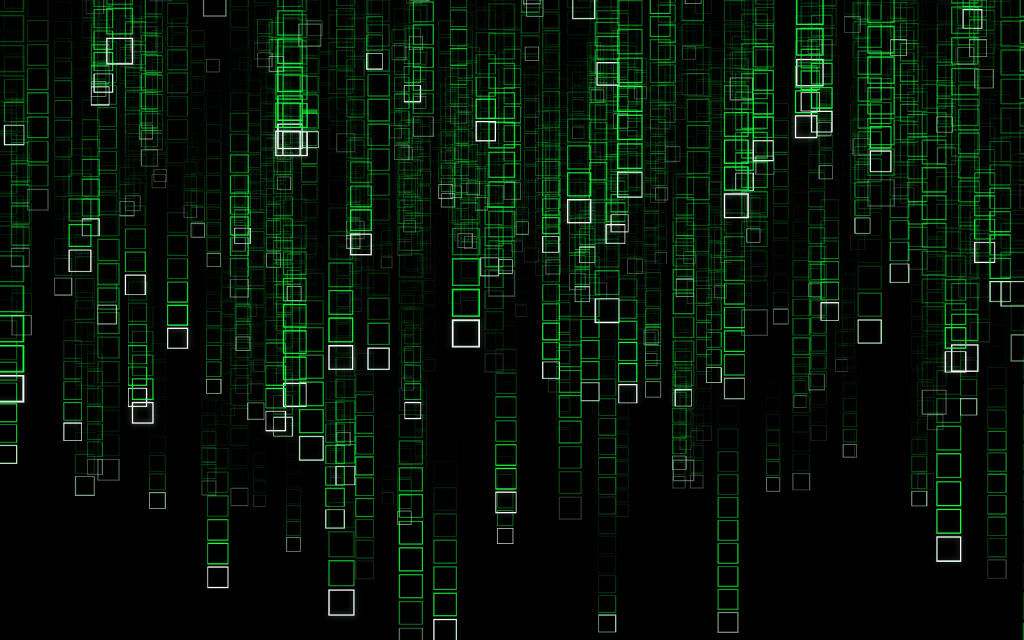
You also get all of the original controls: density and speed, fog, the travelling brightness wave, the slow camera drift, textured or wireframe glyphs. And six character sets, from the classic Matrix katakana to binary, hex, decimal, DNA, fuller Unicode katakana set, and wireframe.
Options & Features
You change all of it from the Options panel, with a live preview that updates as you drag the sliders.
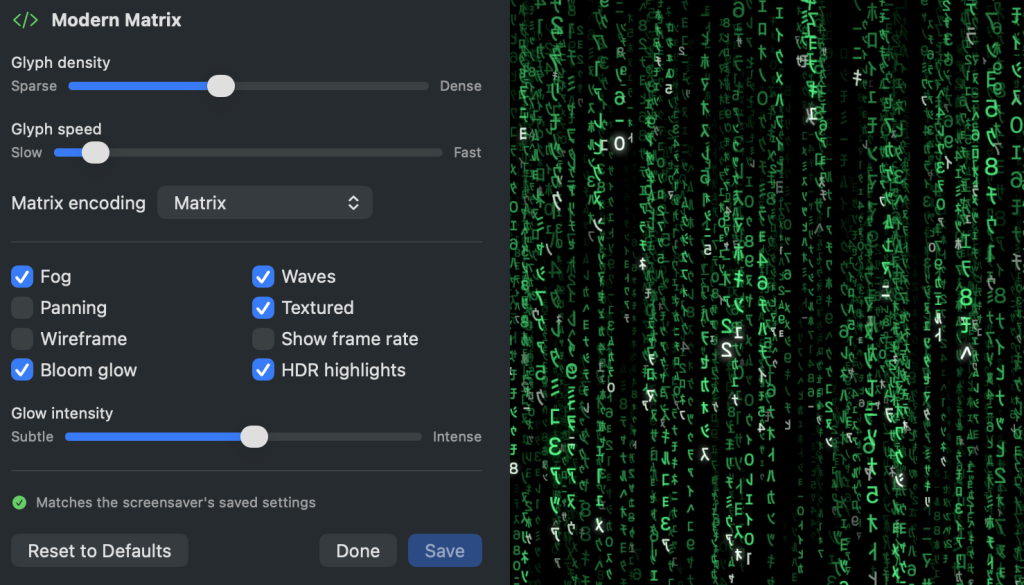
| Control | Notes |
|---|---|
| Glyph density | 60–900 falling columns |
| Glyph speed | fall rate + glyph mutation rate |
| Matrix encoding | Matrix · Binary · Hexadecimal · Decimal · DNA · Unicode katakana |
| Fog | depth-based fade |
| Waves | travelling brightness wave along the columns |
| Panning | slow camera drift between framed views |
| Textured / Wireframe | glyph texture vs. cell outlines |
| Bloom glow | HDR bright-pass + separable Gaussian glow |
| HDR highlights | leaders pop on capable displays (EDR on macOS, scRGB on Windows) |
Then I got greedy and did Windows too
Once the Mac version felt solid, I wanted it on my PC as well. The obvious risk with a second platform is ending up with two screensavers that slowly drift apart, because you tweak one and forget the other.
So I built it differently. The actual behaviour of the rain, the simulation, the settings, the character sets, the maths, all of it lives in one small chunk of portable C. The Mac build compiles that and wraps it in Metal. The Windows build compiles the very same file and wraps it in Direct3D 11. The upshot is a native Windows screensaver that behaves identically to the Mac one, because underneath it genuinely is the same engine. Change how the rain falls in that one file, and both versions change together. That part still makes me a little too happy.
The one thing I could not fix 😡
An honest note. On macOS, the little preview thumbnail in the Screen Saver grid shows a generic blue swirl rather than the actual rain. That is not laziness on my part. Apple removed the ability for third-party screensavers to set that thumbnail in recent versions of macOS, and an Apple engineer has confirmed there is no supported way to bring it back. The live preview, the running saver, everything else shows the real thing. Only that one tiny grid icon is stuck on the placeholder. I have made my peace with it.
How to download it
It is free, it is open source, and each version is a single download.
🍎 macOS (Apple Silicon, macOS 26+)
⬇ Download ModernMatrix-macOS.zip
- Unzip it.
- Double-click
Modern Matrix.saver→ System Settings opens → click Install. - Select it in Screen Saver settings → Options… to configure: encodings, density/speed, bloom, and more, with a live preview.
Signed with a Developer ID and notarised by Apple, so it opens with no security warning.
🪟 Windows (10/11, 64-bit)
- Right-click
ModernMatrix.scr→ Install (or copy it intoC:\Windows\System32and pick “ModernMatrix” in Screen Saver settings). - Click Settings… for the live preview and all the options.
Single self-contained file (~245 KB), no dependencies.
Both downloads, and the full source, are on GitHub: